
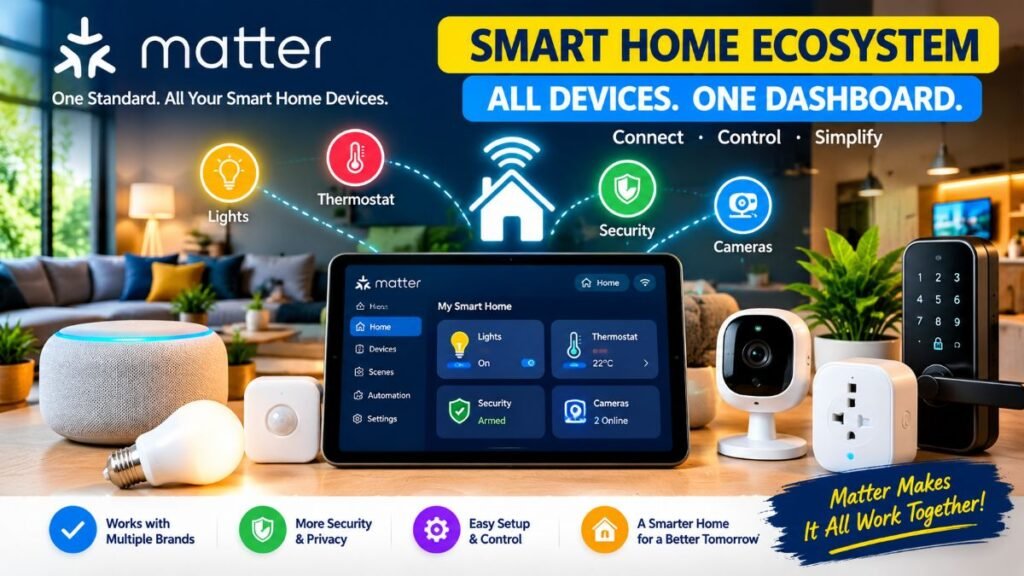
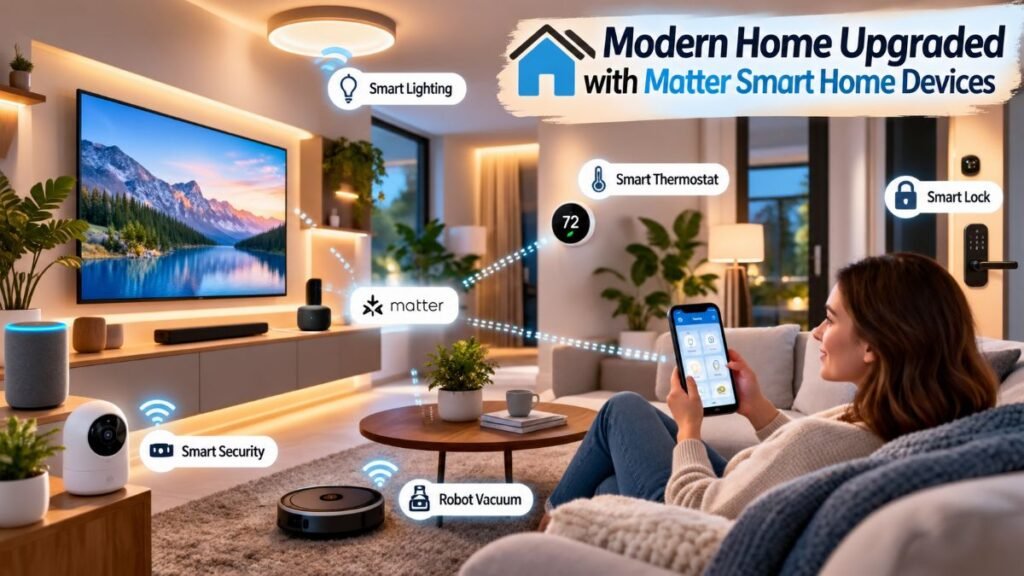
Imagine buying a smart lock from one brand, a light bulb from another, and a motion sensor from a third, expecting them to work together instantly—only to get stuck setting up three separate apps and hubs. Fortunately, matter smart home devices are ending this headache across American households. By breaking down walled gardens between Apple Home, Google Home, Amazon Alexa, and Samsung SmartThings, the Matter standard delivers local network speed, multi-platform control, and dependable daily performance to modern smart home setups.
What Is Matter and How Does It Work?
For years, building a smart home meant locking yourself into a single ecosystem. If you used an iPhone while your partner preferred Android, controlling shared household tech meant dealing with clunky third-party skills, broken routines, and sluggish cloud requests.
Matter was developed by the Connectivity Standards Alliance (CSA)—a coalition including Apple, Google, Amazon, Samsung, and hundreds of hardware manufacturers—to create a unified communication language for smart hardware.
Matter Architecture Layer | Transport Channel | Primary Device Function |
Matter App Layer | Local IP Network | Universal command routing across smart home platforms |
High Bandwidth | Wi-Fi / Ethernet | Video cameras, smart TVs, major home appliances |
Low-Power Mesh | Thread Network | Smart plugs, battery sensors, door locks, lighting |
Unlike older protocols that relied heavily on remote cloud servers, matter smart home devices communicate locally across your existing Wi-Fi router or low-power Thread mesh network. When you flip a switch or trigger a routine, the command stays inside your local area network (LAN). This local-first structure provides three major benefits:
- Sub-Second Response Times: Commands trigger almost instantly because data doesn’t travel to an overseas server and back.
- Offline Reliability: Scheduled automations and physical smart switches keep working even if your ISP suffers an internet outage.
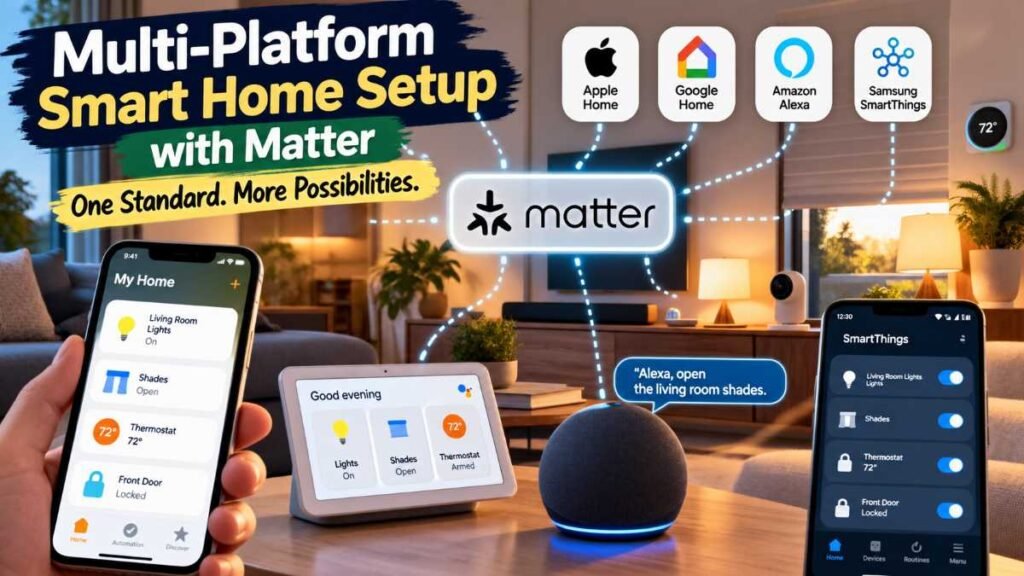
- Multi-Admin Control: Through Matter’s Multi-Admin feature, different family members can control the exact same physical device from their preferred app (such as Apple Home on iOS or Google Home on Android) without desynchronizing device states.
To plan your layout effectively, review our hands-on guide on smart home installation.
Network Protocols: Matter over Wi-Fi vs. Matter over Thread
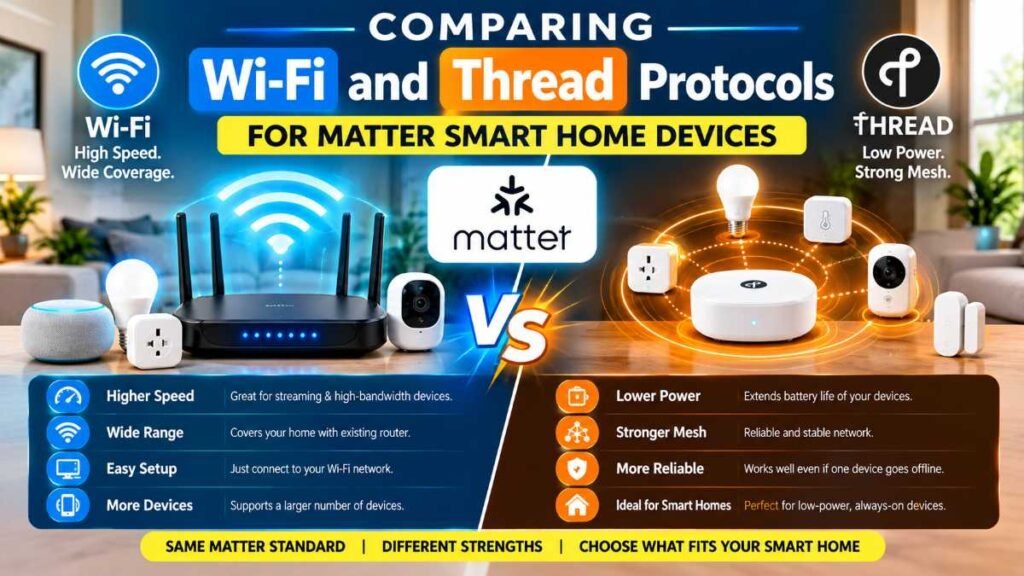
Understanding the network layer is critical when picking hardware. Matter serves as the universal software language, but it relies on two main transport channels to deliver commands:
Feature / Protocol | Matter over Wi-Fi | Matter over Thread |
Best Used For | High-bandwidth or plug-in hardware (Cameras, TVs, Appliances) | Low-power, battery-operated endpoints (Sensors, Locks, Plugs) |
Hub Requirement | Standard Wi-Fi Router / Access Point | Thread Border Router (e.g., Apple HomePod, Nest Hub Max, Echo 4th Gen) |
Network Structure | Star Network (Devices connect directly to the router) | Self-Healing Mesh (Mains-powered nodes extend network range) |
Power Efficiency | Moderate to High Power Consumption | Ultra-Low Power (Multi-year battery performance) |
Setup Process | Standard QR Code / NFC Tap | Automatic mesh joining via active Border Router |
For low-power accessories, Thread has quickly become the preferred mesh standard. It creates a self-healing network inside your home; if someone accidentally unplugs a smart module, nearby sensors automatically reroute signals through another powered node. To see how smart plugs serve as structural mesh repeaters, explore our smart plug guide.
Top Device Categories for U.S. Homes
The Connectivity Standards Alliance regularly certifies newClimate & Energy Management
Energy management remains a key priority for modern homeowners. Matter-certified climate gear supports features like Thermostat Suggestions, prioritizing manual dial adjustments over aggressive utility load-shedding events. For deeper climate insights, check out our guide on the best smart thermostats.
Smart Locks & Access Control
Swapping out traditional deadbolts for Matter-enabled smart locks gives you touchless entry, temporary guest access, and real-time status monitoring across all household phones. To compare leading security specs, read our review of the best smart locks.
Energy Infrastructure
With recent spec updates expanding into home energy systems, Matter supports solar batteries, heat pump water heaters, and EV chargers. According to energy efficiency documentation from the U.S. Department of Energy (DOE), local power monitoring helps homeowners track usage patterns and manage peak utility costs.
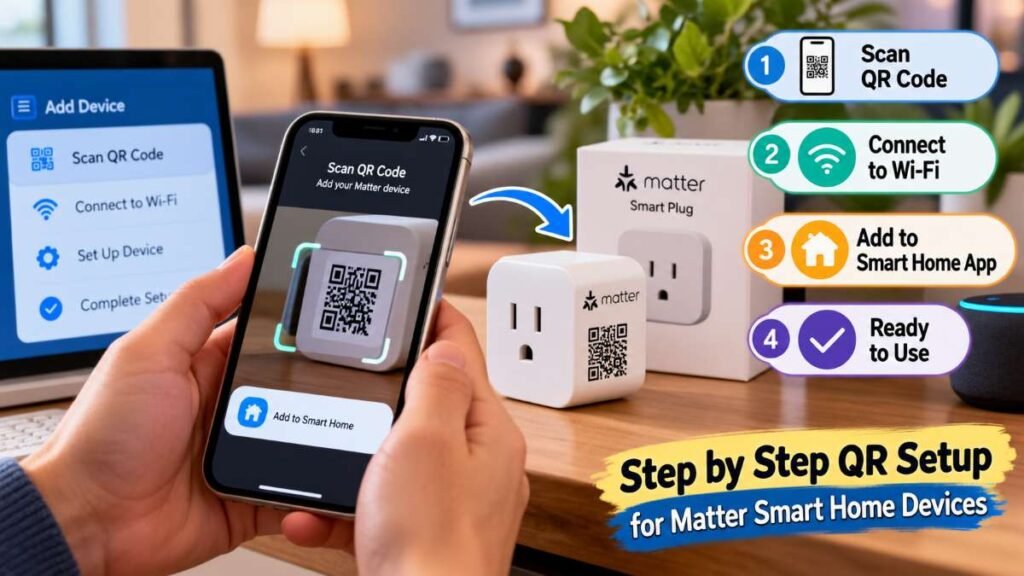
Step-by-Step Setup via NFC or QR Code
Onboarding new accessories follows a standardized process across iOS and Android smart home apps.
- Phase 1 (Network Verification): Ensure your central Matter controller or Thread border router is powered on and reachable.
- Phase 2 (Launch Ecosystem): Open your smart home control application (such as Apple Home, Google Home, or Amazon Alexa).
- Phase 3 (Physical Scan): Scan the physical 11-digit QR code printed on the hardware or pair via instant NFC touch.
- Phase 4 (Room Allocation): Select the exact home zone and assign a unique voice-command label.
- Phase 5 (Ecosystem Sharing): Generate a temporary pairing key inside app settings to link additional smart home platforms.
- Verify Controller: Confirm you have an active Matter controller (such as an Apple TV 4K, Nest Hub, or Echo device) connected to your local network.
- Initiate Pairing: Open your primary app (Apple Home, Google Home, or SmartThings) and select “Add Accessory”.
- Scan or Tap: Scan the 11-digit QR code printed on the hardware, or tap your phone against the unit using NFC pairing.
- Assign Location: Name your device clearly and assign it to a specific room.
- Share Across Ecosystems: To control the device from a second platform, generate a temporary pairing code within your main app’s settings and paste it into the secondary app within 15 minutes.
For broader architectural ideas across your layout, explore our master guide on smart home automation.
Network Hardware Reference Checklist
Building a stable network that handles dozens of connected nodes without slowdowns requires the right hardware foundation:
Core Component | Primary Function | Recommended U.S. Hardware Examples |
Matter Controller | Manages local pairing, automations, and remote access keys | Apple TV 4K, Google Nest Hub (2nd Gen), Amazon Echo (4th Gen) |
Thread Border Router | Bridges Thread mesh network traffic to your local Wi-Fi network | Apple HomePod Mini, Nest Wi-Fi Pro, Eero Max 7 |
Thread Mesh Extenders | Mains-powered nodes that extend signal coverage to dead zones | Matter Smart Plugs, In-Wall Smart Switches, Smart Light Strips |
End Devices | Low-power endpoints that execute commands or report sensor data | Door Contacts, Motion Sensors, Smart Deadbolts, Water Leak Detectors |
Real-World Practical Scenarios
To help you get the most out of your setup, here are three practical ways matter smart home devices solve everyday household challenges:
Scenario A: Two-Story Multi-OS Home
[First Floor: Apple HomePod] ◄─── Matter Local IP ───► [Second Floor: Nest Hub]
│
▼
[Shared Matter Smart Lock]
(Real-time status updates on all connected devices)
Scenario B: Internet Service Outage
[ISP Cable Down] ──x── [Cloud Server]
│
[Local Wi-Fi Router] ───────┼───────► [Motion Sensor] ──► [Smart Plug Light]
(Automation triggers locally & reliably)
- The Split-Ecosystem Household: If you use an iPhone downstairs with an Apple HomePod while family members upstairs use Android phones with a Google Nest Hub, Matter allows both platforms to manage the same front door lock. One person can unlock it using Siri while another checks its status via Google Assistant—without conflicting accounts.
- Staying Operational During Outages: If a stormy afternoon knocks out your internet connection, local automation rules remain intact. Motion sensors will still trigger hallway lights over your local Thread mesh because the signal never relies on an external cloud server.
- Checking Thread Coverage Before Buying: Before purchasing a Thread-enabled door lock for a garage or side entrance, place a mains-powered Thread smart plug on an outlet halfway between your router and the door. The plug acts as a signal repeater, ensuring your lock maintains a strong, battery-friendly link.
Security Standards and Technical Safeguards
Security is a primary consideration for connected homes. The CSA enforces clear protocol safeguards across certified hardware:
- AES-128 Encryption: Device traffic is encrypted end-to-end across local wireless connections.
- Distributed Compliance Ledger (DCL): Device authenticity is verified against a decentralized compliance ledger, helping prevent unauthorized or spoofed hardware from joining your network.
- Local Data Handling: Because standard operational commands execute over your local IP network, activity logs (such as door unlock timestamps) stay inside your home network unless explicitly synced to a cloud service.
Guidelines published by the National Institute of Standards and Technology (NIST) emphasize that local validation protocols and strong encryption help safeguard consumer IoT devices from unauthorized access.
Diagnostic Checklist for Connectivity Issues
If a device becomes slow to respond or appears offline, follow these practical troubleshooting steps:
- Verify Border Router Power: Ensure your primary Thread Border Router is powered on and running the latest system update.
- Check Wi-Fi Network Bands: Confirm your smartphone is connected to the same 2.4 GHz or 5 GHz local subnet as your Matter controller during initial pairing.
- Power-Cycle the Endpoint: Unplug powered smart plugs or briefly remove batteries from wireless sensors for 10 seconds to prompt a fresh network handshake.
- Re-Generate Setup Codes: When sharing control across multiple platforms, ensure you enter the newly generated setup code within its 15-minute window before it expires.
Upgrade Your Smart Home Experience
Switching to matter smart home devices removes frustrating platform barriers and gives you direct, reliable control over your living space. Ready to streamline your setup? Choose a dependable Matter controller, add your first Thread mesh plug, and enjoy a faster, more secure smart home today!
Frequently Asked Questions
1. What is Matter in a smart home? Matter is an open-source standard that allows matter smart home devices from different brands—like Apple, Google, and Amazon—to communicate locally on the same network.
2. Is Matter better than Zigbee? Yes. While Zigbee requires dedicated bridges, matter smart home tech works directly across Wi-Fi and Thread, offering lower latency and native multi-app controls.
3. Does Matter smart home have an app? No single official app exists. You control your matter smart home devices using your preferred app, such as Apple Home, Google Home, or SmartThings.
4. Does Matter require a hub? Yes, a local controller (like a HomePod or Echo) is required to manage automations and route local network traffic seamlessly.
5. Which hub is best for Matter devices? The Apple TV 4K, Google Nest Hub (2nd Gen), and Amazon Echo (4th Gen) are top-rated controllers for building a fast matter smart home ecosystem.
Editorial Disclaimer
This guide is provided for educational and informational purposes only. Wiring requirements, electrical loads, and hardware installations should comply with local building codes and manufacturer specifications. Always consult a qualified electrician before modifying in-wall electrical wiring or main service panels.
About the Author
Dambar C.Rajbanshi. is a home optimization writer and technology analyst focused on practical residential automation. He creates step-by-step guides, network layout ideas, and hands-on hardware breakdowns to help homeowners build fast, secure, and reliable smart home environments.