
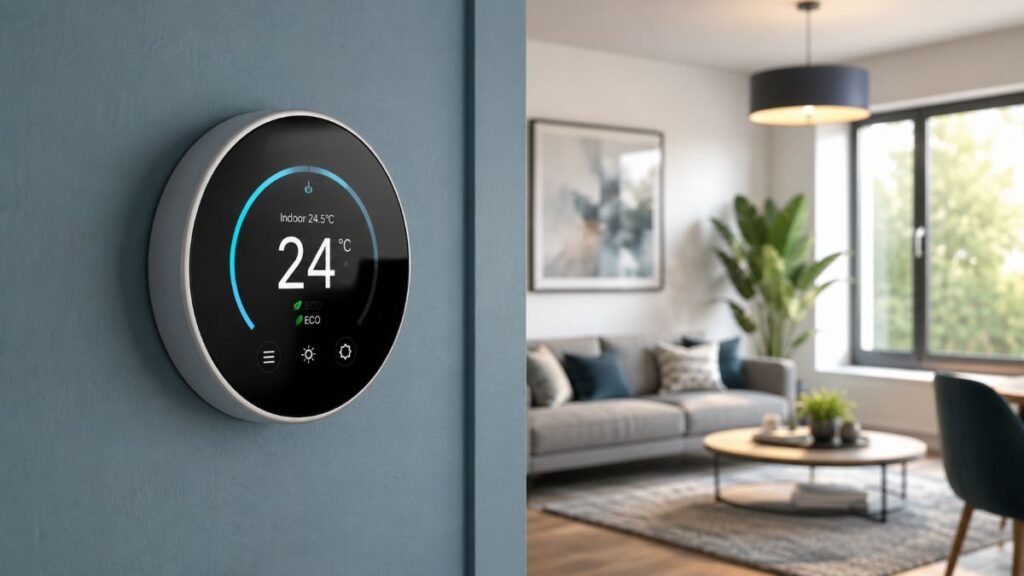
Choosing a connected climate controller for a U.S. household involves evaluating heating and cooling compatibility, electrical wiring limits, and daily scheduling needs. Rather than relying on static heating schedules, a best smart thermostat adjusts temperatures based on occupancy patterns and local climate conditions, helping homeowners manage energy use efficiently.
Research Methodology & Evaluation Criteria
This technical guide is based on an independent review of manufacturer product specifications, installation manuals, compatibility documentation, and public pricing data retrieved from official U.S. manufacturer stores and energy efficiency portals to determine the best smart thermostat options available. Product specifications, compatibility documentation, and listed prices were last verified on October 18, 2026. This review synthesizes standardized engineering data to help consumers compare HVAC compatibility, hardware limitations, and installation prerequisites.
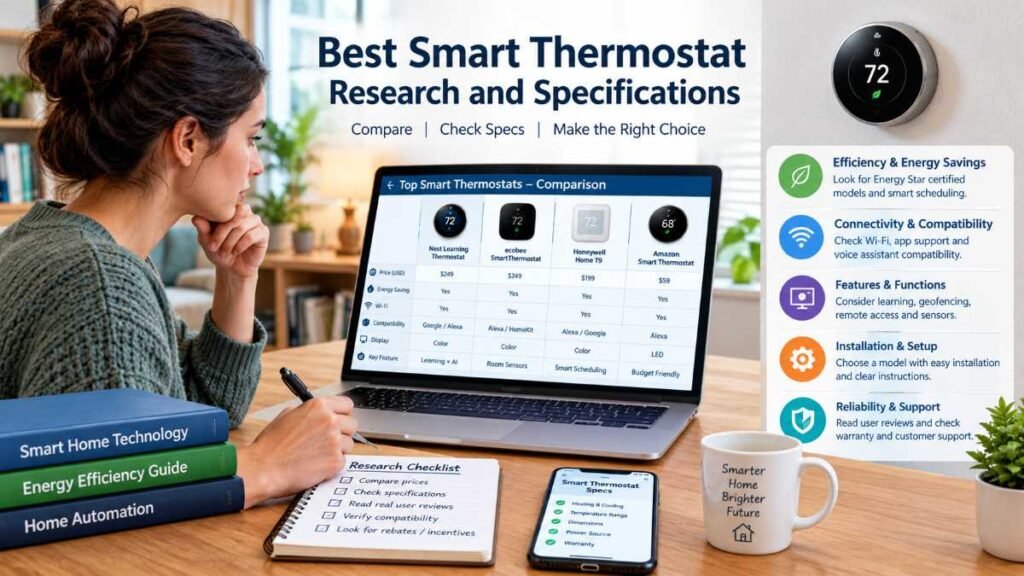
Verified Product Comparison Table
The following comparison details specifications, verified retail pricing ranges, warranty terms, and known limitations for leading connected thermostats. Prices and availability reflect manufacturer listings and may vary by retailer.
Model Name | Key Specification & Compatibility | Warranty | Estimated U.S. Price & Source | Buyer Caveats & Best Fit |
Conventional up to 4H/2C, heat pumps up to 2H/2NC with aux; includes SmartSensor and air quality monitor. | 3-Year Limited | ~$259.99 (Subject to retailer offers; check Ecobee Store) | Higher upfront hardware cost; bulkier physical profile on small wall spaces. Avoid if: You prefer a minimalist display or want a lower-cost single-room device. | |
Supports most 24V conventional and compatible heat pump systems; edge-to-edge glass display with AI scheduling. | 2-Year Limited | ~$279.99 (Subject to retailer offers; check Google Store) | Heavily integrated into the Google Home ecosystem. Avoid if: You need a specific Apple Home integration or feature that the thermostat does not support; confirm compatibility with your existing smart-home setup before buying. | |
Amazon Smart Thermostat | Conventional 24V heating and cooling systems; ENERGY STAR certified basic app controller. | 1-Year Limited | ~$79.99 (Subject to retailer offers; check Amazon Store) | Lacks built-in speaker/microphone for voice commands; incompatible with dual-fuel heat-pump systems. Avoid if: You have a dual-fuel heat pump or lack a C-wire. |
Honeywell Home T9 | Conventional and heat pump systems up to 3H/2C; includes a wireless room sensor for hot/cold spots. | 2-Year Limited | ~$210.00 (Subject to retailer Approx. $210 (Resideo Store) | Interface design is less modern; advanced scheduling features require app configuration. Avoid if: You want a sleek glass aesthetic. |
Heat-Pump & HVAC Compatibility Matrix
Before selecting a unit, verify that your heating and cooling architecture matches the operational profile of the thermostat:
HVAC System Type | Ecobee Premium | Google Nest (4th Gen) | Amazon Smart Thermostat | Honeywell Home T9 |
Conventional Forced Air (Gas/Oil/Electric) | Generally compatible with supported 24V systems; verify exact configuration using the manufacturer’s checker. | Generally compatible with supported 24V systems; verify exact configuration using the manufacturer’s checker. | Generally compatible with supported 24V systems; verify exact configuration using the manufacturer’s checker. | Generally compatible with supported 24V systems; verify exact configuration using the manufacturer’s checker. |
Single-Stage / Multi-Stage Heat Pumps | Compatible (Up to 2H/2NC + Aux) | Compatible | Limited Compatibility (Supports select air-to-air/geothermal; dual-fuel not supported – verify via Amazon Compatibility Guide) | Compatible (Up to 3H/2C) |
Boiler / Radiant Heating (2-Wire) | May be compatible; verify wiring and system type | May be compatible; verify wiring and system type | Requires C-wire / Power Adapter | May be compatible; verify wiring and system type |
120V / 240V Electric Baseboard Heating | Incompatible | Incompatible | Incompatible | Incompatible |
Note: Homes utilizing high-voltage electric baseboard heating require specialized line-voltage thermostats and cannot use standard 24V low-voltage models.
Who Should Buy Which Thermostat?
- Room-to-Room Balancing: Choose the Ecobee Smart Thermostat Premium or Honeywell Home T9 when specific bedrooms struggle with extreme temperature swings, as both options pack wireless remote sensors to track conditions far beyond hallway walls. Skip if: You reside in a compact, single-room studio layout where individual climate zoning provides zero practical advantage.
- For Automated AI Scheduling: The Google Nest Learning Thermostat (4th Gen) suits households looking for predictive algorithms that automatically build and adjust heating/cooling schedules without manual programming. Alternative: Avoid Nest if you prefer manual scheduling control or rely on non-Google ecosystems without verifying current MATTER or app integrations.
- For Budget-Conscious Upgrades: The Amazon Smart Thermostat delivers fundamental app-controlled scheduling at an accessible price point, provided your home has a compatible standard conventional system and a C-wire or adapter installed. Alternative: Skip if you require a built-in voice speaker or complex multi-stage heat pump support.
- For Ecosystem Consistency: Homeowners deeply integrated into the Google Home ecosystem will find the Nest interface seamless, while users looking for broader multi-platform control frequently evaluate models with diverse native integrations.
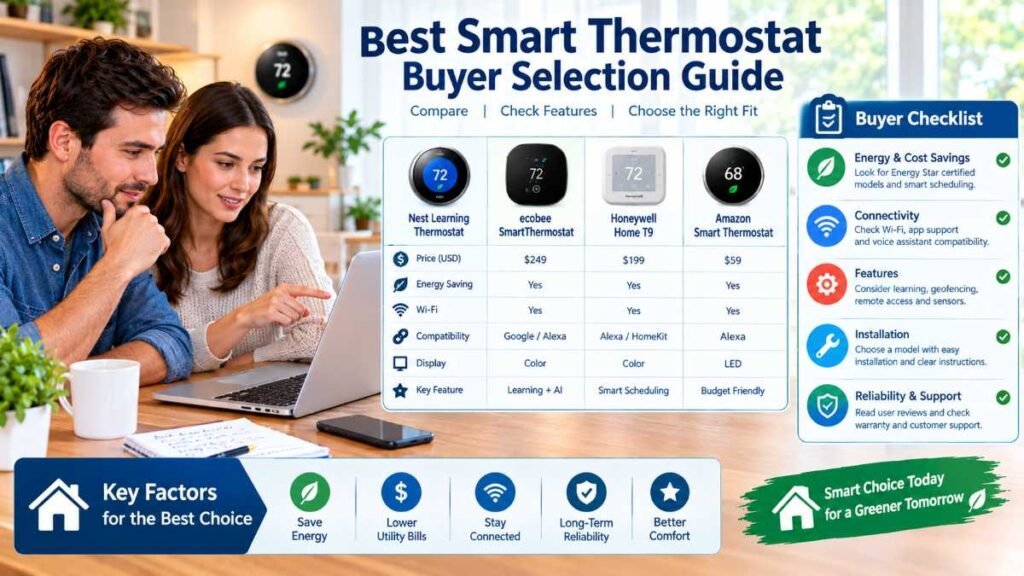
Compatibility Decision Tree & Wiring Guide
To ensure a successful installation, walk through this sequential decision process:
- Identify HVAC Voltage: Confirm your system operates on standard 24V low-voltage wiring. If you have high-voltage line-voltage baseboards, stop and select line-voltage specific hardware.
- Inspect Existing Wall Wiring: Remove your current thermostat faceplate. Identify your wire terminal labels (e.g., R, W, Y, G, C) rather than relying on wire colors, as colors are frequently inconsistent across legacy installations.
- Check for a C-Wire (Common Wire):
- If a dedicated C-wire is present and properly connected to the terminal block and your HVAC control board, most smart thermostats will power on immediately.
- If you have a two-wire setup (R and W only), your device will lack continuous power. You will need to install a power extender kit (such as Ecobee’s PEK) or a dedicated 24V adapter. Note that certain models like the Google Nest 4th Gen can operate on many 24V systems without a C-wire, though official manufacturer compatibility checkers should always be verified first.
- Consult Manufacturer Tools: Always run the official compatibility checker on the manufacturer’s website before finalizing your purchase. For deeper planning on home integration, review our guide on smart home installation workflows.
Privacy Policy Comparison & Data Governance
Connected climate devices communicate telemetry data to cloud servers to support remote smartphone access and automated features. Reviewing vendor privacy documentation helps clarify data handling:
- Ecobee: Collects temperature metrics, scheduling habits, and voice inputs (if enabled). Cloud access is required for remote app control and weather syncing. Users can manage or opt out of specific data sharing via account settings as outlined in the Ecobee Privacy Notice.
- Google Nest: Collects sensor metrics, device usage, routine habits, and account metadata. Required for app integration and predictive learning. Managed via the Google Privacy Policy.
- Amazon: Collects interaction logs, routine commands, and device performance metrics. Required for Alexa app routines. Voice recording history can be deleted in the Alexa app; view details in the Amazon Privacy Notice.
- Honeywell Home (Resideo): Collects operational telemetry, scheduling preferences, and location data to support remote alerts and geofencing. Configurable via mobile app settings; review the Resideo U.S. Privacy Statement.
Real-Life Decision Examples
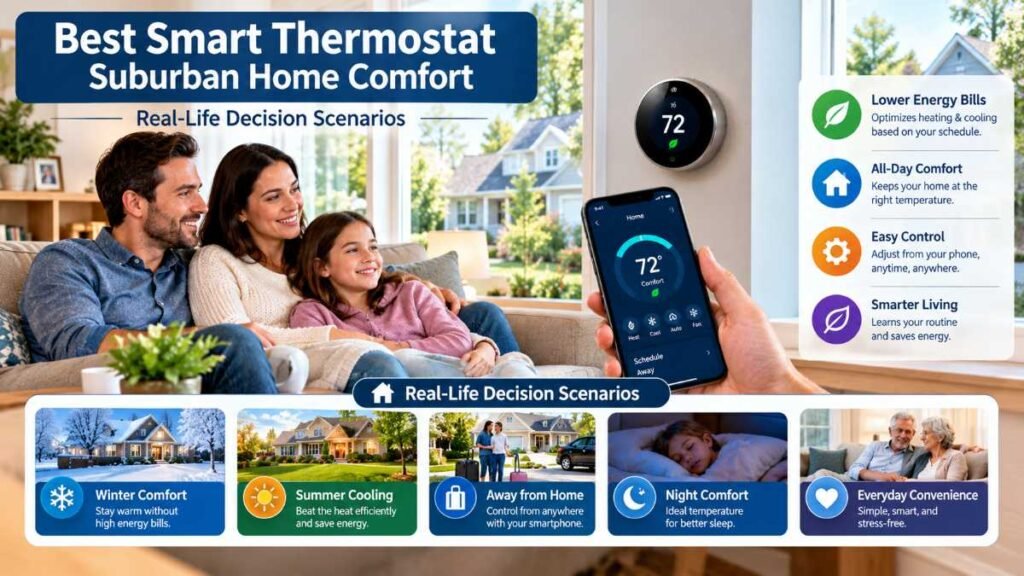
- Scenario A (Two-Story Suburban Home): A homeowner with uneven second-floor heating chooses the Ecobee Smart Thermostat Premium because placing a remote SmartSensor in the upstairs master bedroom helps detect thermal imbalances between floors, allowing users to adjust scheduling accordingly (though physical airflow or insulation adjustments may still be required to fix structural drafts using the best smart thermostat setup).
- Apartment Budget Upgrade: A tenant operating a standard gas furnace with an active C-wire selects the Amazon Smart Thermostat to secure convenient app-based scheduling without paying extra for advanced remote sensors.
Total Cost of Ownership (TCO) Breakdown
Beyond the base hardware purchase, consider potential estimated budgeting ranges:
- Base Hardware: ~$80 to ~$280 depending on the model (verified October 2026).
- C-Wire Adapter / PEK: Estimated budgeting range of $15–$25 if not bundled in the box.
- Additional Remote Sensors: Estimated budgeting range of $40–$80 per extra sensor (for multi-room balancing).
- Professional HVAC Installation: Estimated budgeting range of $100–$200 if complex multi-stage wiring or troubleshooting is required.
Verified Energy-Savings Evidence & Limitations
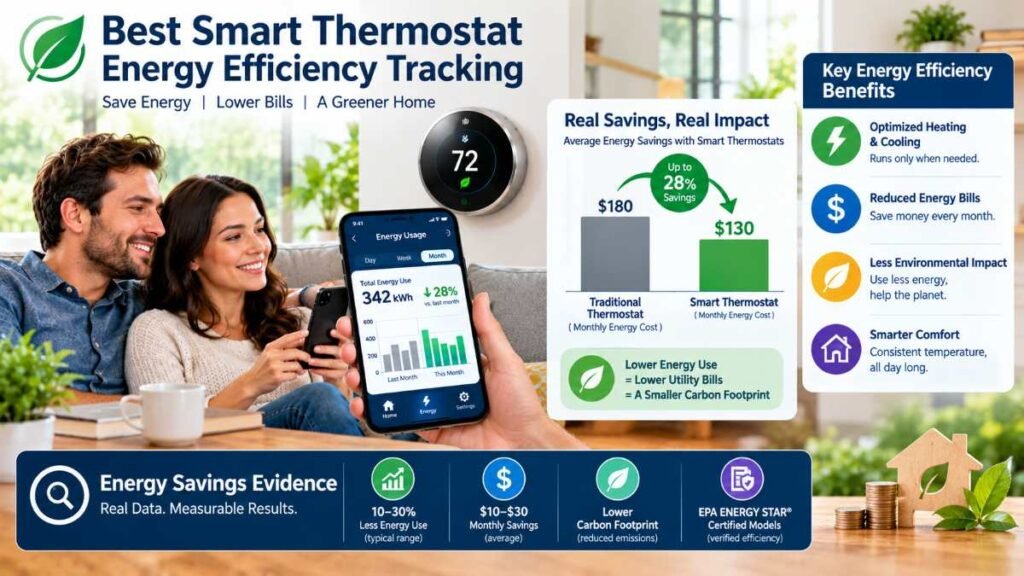
Automated climate controls assist with energy management, but actual financial returns vary by climate zone, insulation quality, and user behavior.
According to efficiency findings published in the U.S. Department of Energy Programmable Thermostat Guidance, homeowners who properly utilize temperature setbacks—such as turning back their thermostat by 7–10°F for 8 hours a day—can save as much as 10% a year on heating and cooling. However, savings are not universally guaranteed at a fixed percentage for every household; poorly insulated homes, mild regional climates, or frequent manual overrides alter actual efficiency outcomes. For heat pump owners, scheduling aggressive setbacks can sometimes trigger auxiliary resistive heating strips, which may offset expected energy savings.
- Rebate Verification: Check local utility provider portals or search criteria via the EPA Energy Star Program to determine if regional bill credits or hardware rebates apply.
- Whole-House Efficiency: Pairing climate automation with structural improvements, such as upgrading to energy efficient windows for thermal control, helps minimize overall thermal loss.
Installation Safety Checklist
- Cut Main Power: Switch off the HVAC equipment power at the corresponding breaker or dedicated service switch, and verify that power is fully off before touching any wires to prevent blowing low-voltage fuses or shorting components.
- Photograph Terminals: Take a clear photo of your existing wire connections before unscrewing them from the old wall plate.
- Verify Voltage: Confirm your system is low-voltage (24V). If your wiring configuration, terminal layout, or voltage is unclear, consult a licensed HVAC technician for assistance.
- Secure Terminal Connections: Verify all wires are firmly clamped into their respective terminal blocks, leaving zero exposed copper to prevent short circuits against adjacent pins. To safeguard your hardware against remote intrusions, read through our smart home cybersecurity guide.
Final Verdict & Practical Recommendation
To select the right climate controller for your home, follow these four steps:
- Identify Your HVAC System: Determine whether you run conventional forced air, a heat pump, or incompatible high-voltage baseboards.
- Check Your Wiring: Inspect your wall plate to see if a C-wire is present or if a power adapter kit is required.
- Compare Total Costs: Factor in hardware pricing, potential extra room sensors, and local utility rebate offers.
- Select Your Model: Choose the device from our comparison table that best fits your heating architecture, room sensor needs, and smart home ecosystem. For a complete look at automating your connected ecosystem, explore our overarching smart home automation framework.
External Resources & Official References
- U.S. Department of Energy: Read official DOE Programmable Thermostat Guidance.
- ENERGY STAR (EPA): Verify certified devices and utility rebates on the EPA Energy Star Program portal.
- Amazon Smart Thermostat: Check official compatibility requirements and limits in the Amazon Compatibility Guide.
- Ecobee Premium: View verified specs and pricing at the Ecobee Product Store.
- Google Nest (4th Gen): Explore hardware details on the Google Store Nest Learning Thermostat.
- Honeywell Home T9: Access manufacturer specs on the Resideo Honeywell Home T9 Page.
Editorial Disclaimer
This guide is independently researched to help U.S. homeowners understand technical requirements, compatibility factors, and energy management features of connected climate controllers. Recommendations are based on official specifications, manufacturer documentation, and standard residential infrastructure guidelines.
About the Author
Dambar C.P. Rajbanshi is a digital content creator and researcher specializing in smart home technology, residential documentation, and consumer hardware trends across the United States.